UGC playbook

See Arcads Examples UGC in Action

These arcads examples ugc show how a small creative team can turn product details, creator direction, and audience objections into structured ad concepts. Use the workflows below as starting points, then adapt the prompts to your offer.

Free to start · no signup
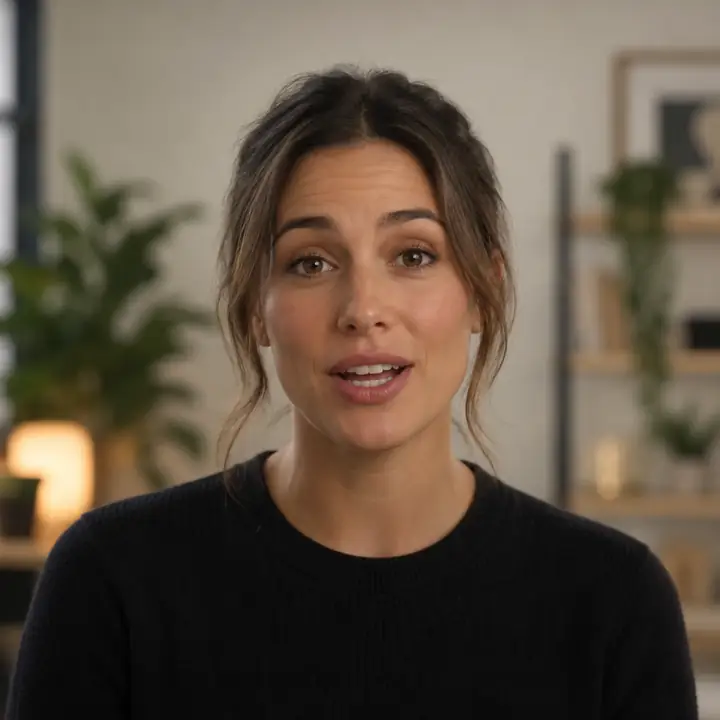
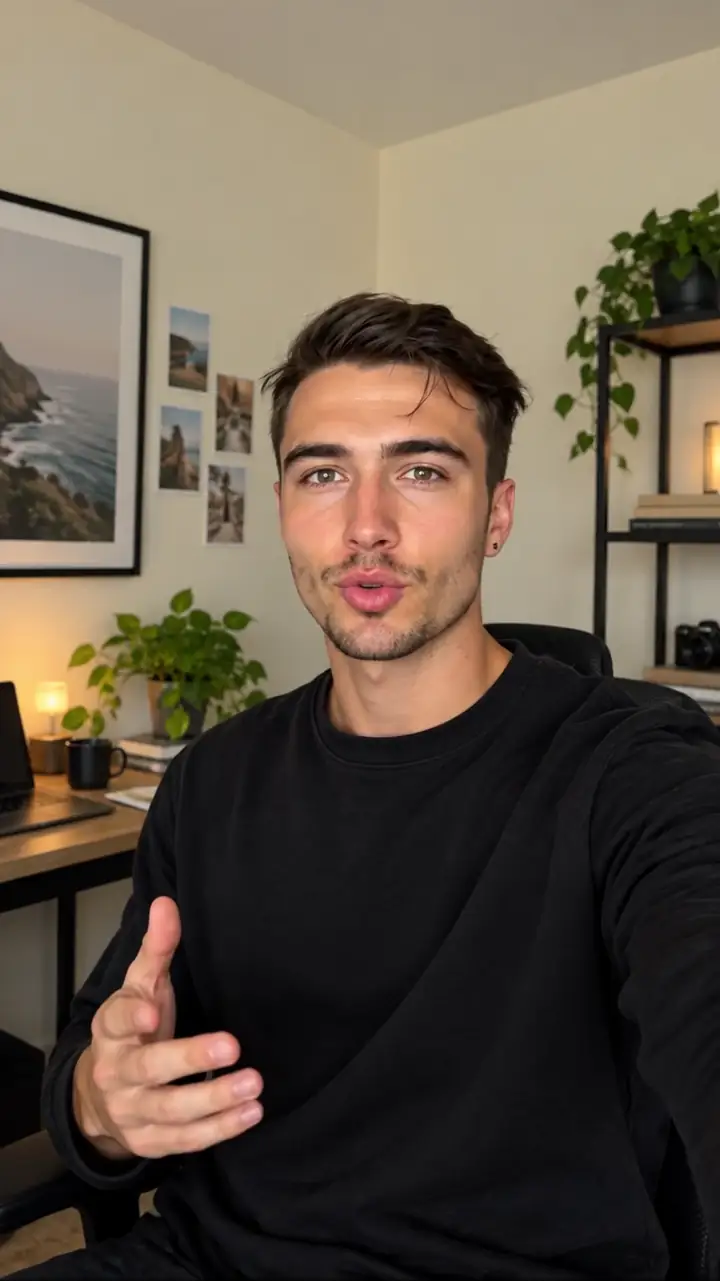
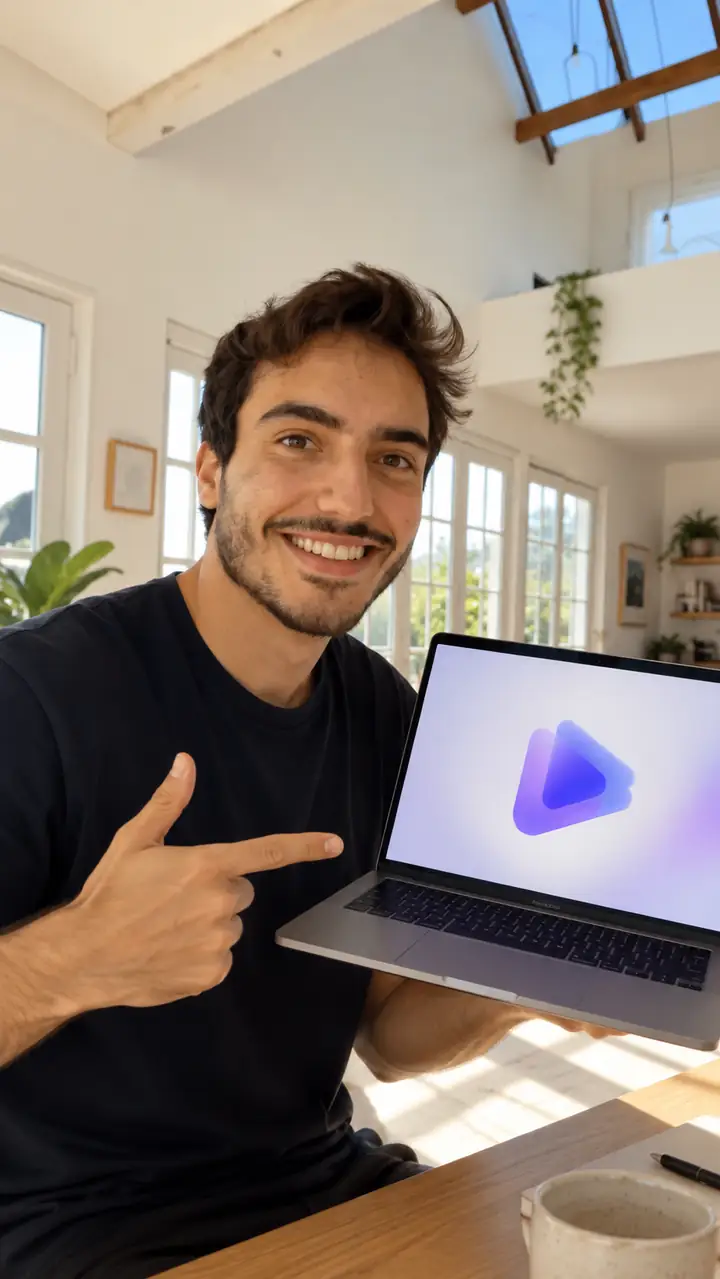
AI-generated creator presenting a product in a vertical UGC video

The UGC scenario's pain

UGC teams rarely struggle to find ideas; they struggle to turn scattered product facts into repeatable, reviewable video concepts. These personas show where the workflow starts.

DTC growth marketer

A new product has several benefits, but the team needs multiple hooks for paid social without briefing a new creator for every variation.

Build several product-demo directions from one product brief, then compare hooks before sending the strongest concepts into production.

Create product-demo concepts
Mobile app marketer

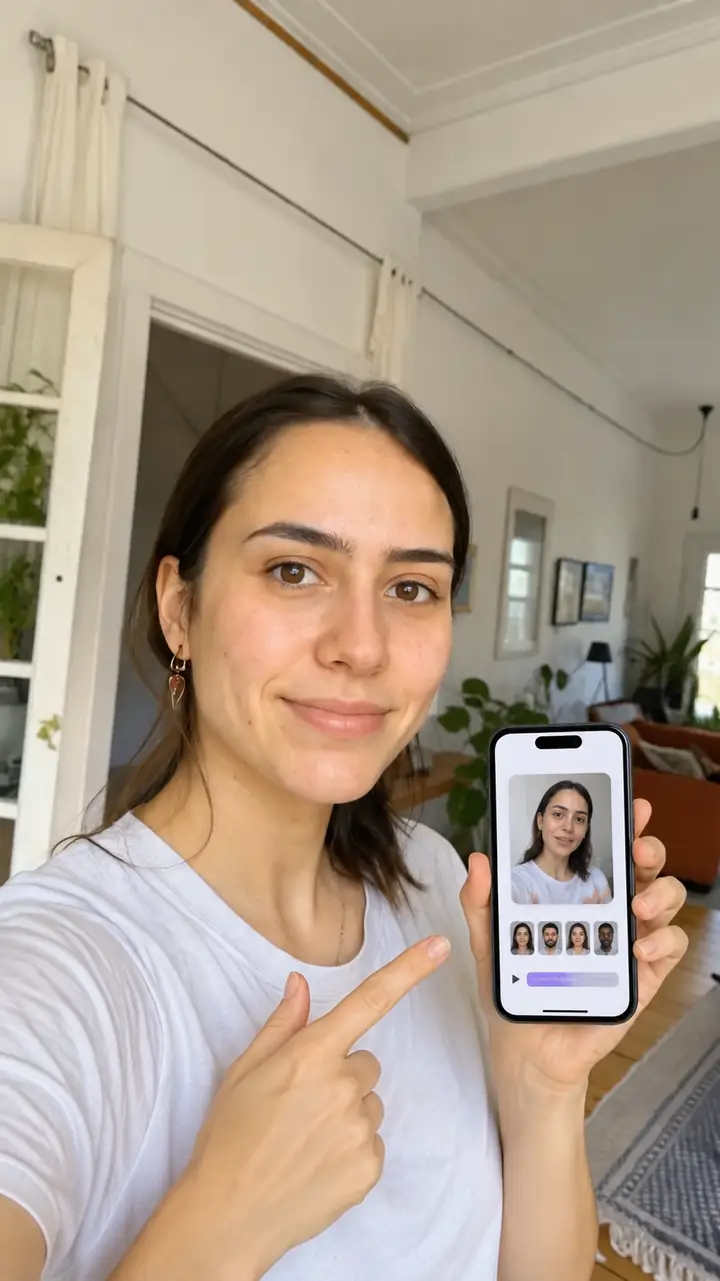
The app solves a specific problem, yet generic lifestyle footage does not show the user journey clearly enough for a short ad.

Use a creator-led walkthrough with a visible screen demonstration, a plain-language explanation, and a direct install prompt.

Build an app walkthrough

Agency creative strategist

Client feedback arrives in fragments: change the opening, simplify the claim, show the product sooner, and make the tone more conversational.

Turn each revision request into a structured prompt so the team can produce clearer ad directions without losing the original brief.

Test a revised creative brief

Founder-led brand team

The founder knows the customer objections but has limited time to film, edit, and reshoot several testimonial-style variations.

Translate objection-led talking points into concise creator scripts that can be reviewed before the final video is selected.

Draft testimonial variations

Three concrete workflows

Start with the customer moment that matters most. Each prompt below pairs a specific creative job with an output style that is easy to inspect and revise.

prompts.log
  1. 1
    Create a 20-second vertical UGC product demo. Open with a relatable problem, show the product in hand, explain one benefit, and end with a direct call to action.
    Product demo Vertical video · 20 seconds
  2. 2
    Create a conversational UGC ad for a mobile app. Show the creator opening the app, completing one useful task, and explaining why the result saves time.
    App walkthrough Creator-led · Screen demonstration
  3. 3
    Create a testimonial-style UGC ad about solving a frustrating daily problem. Use a candid opening, one specific result, and a natural recommendation without exaggerated claims.
    Testimonial concept Problem-solution · Conversational tone
AI creator holding and presenting a product 1 Demo
AI creator showing an app on a phone 2 App
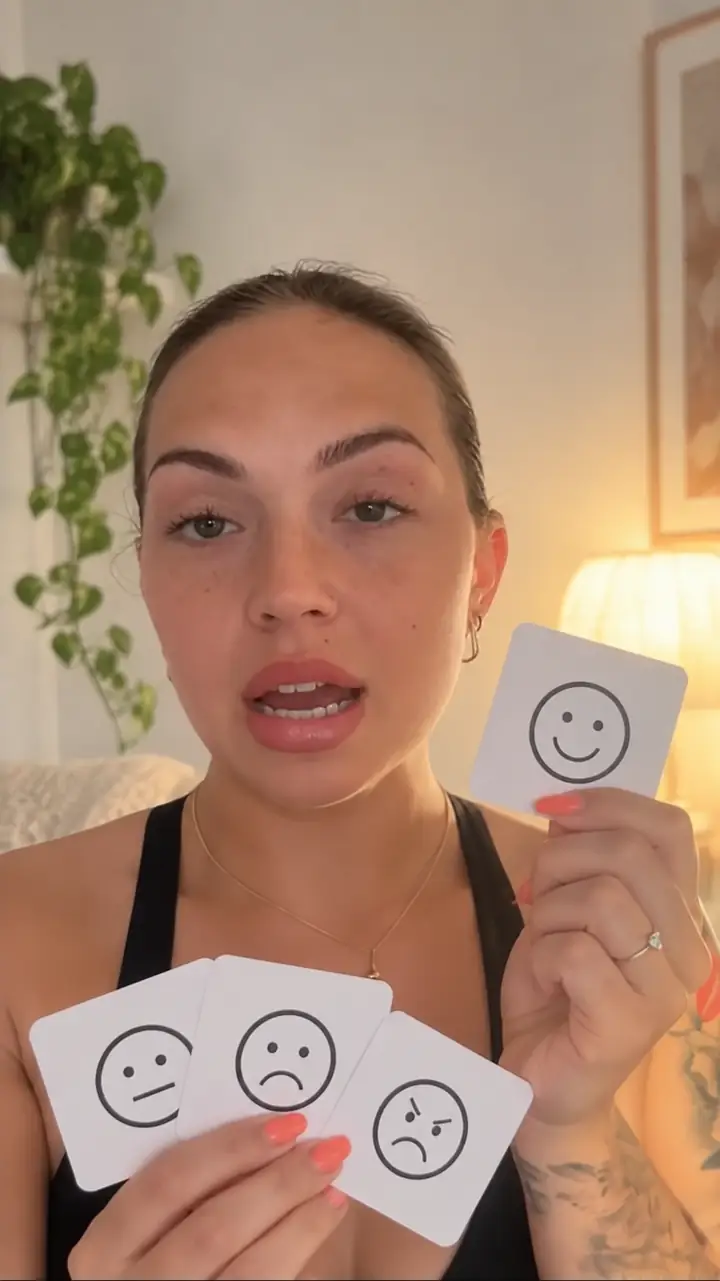
AI creator demonstrating an emotional reaction 3 Testimonial

Change one variable at a time: hook, audience, product benefit, creator tone, or call to action.

Plan the variation set

Use this simple planning control to estimate how many prompt directions you can review when each core concept gets the same number of creative angles.

Prompt directions

directions

Hook reviews

reviews

Example output

The strongest UGC references make the intended scene obvious: who is speaking, what they are showing, and which customer action should follow.

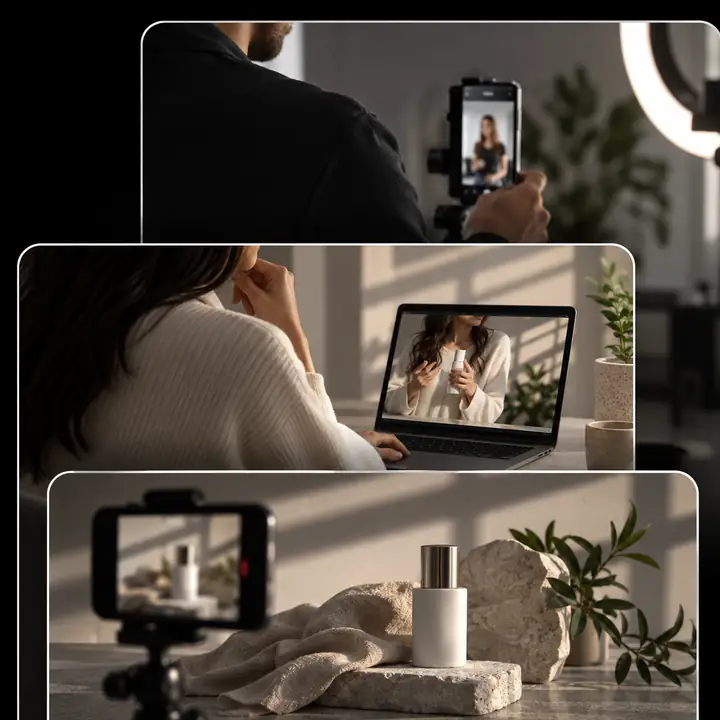
  • AI-generated product showcase video Product demo
    1
    Product-first opening: the creator introduces the item before explaining its main benefit. Input: product name, audience, one benefit
  • AI-generated app demonstration advertisement App ad
    2
    Screen-led explanation: the viewer sees the app solve one focused task instead of hearing a broad feature list. Input: app task, user problem, desired action
  • AI-generated creator testimonial advertisement Testimonial
    3
    Objection-led testimonial: the creator starts with a familiar frustration and gives one concrete reason to try the product. Input: customer objection, proof point, CTA
  • AI-generated fashion product advertisement Lifestyle
    4
    Lifestyle product angle: the creator frames the product in a recognizable use moment with a concise spoken benefit. Input: product use case, creator tone, audience

Compliance notes

A polished UGC concept still needs a careful review. Treat generated scenes as creative drafts and verify every claim, depiction, disclosure, and product detail before publishing.

  • Brief
  • Review
  • Publish
  1. Brief Verified

    Workflow one: product demonstration

    Give the model the product category, audience, one supportable benefit, and the action you want viewers to take. Keep the first version narrow so the product remains visible and the script does not make unsupported promises.

    1. Name the product and audience.
    2. Choose one benefit that can be substantiated.
    3. Specify the opening hook and final action.
    4. Review the spoken wording against approved claims.
    Create a product brief
  2. Review Verified

    Workflow two: app demonstration

    An app ad works best when the prompt describes one user task rather than the entire product. Check that the interface, result, and spoken explanation agree, especially when the output is used in a performance campaign.

    1. Define the user's starting problem.
    2. Describe the single task shown on screen.
    3. Match the voiceover to the visible result.
    4. Remove screens or features that are not available.
    Build an app workflow
  3. Publish Verified

    Workflow three: testimonial concept

    Use testimonial-style creative to organize a customer perspective, not to invent customer evidence. Label synthetic or generated content where required, avoid impersonation, and replace any unverified outcome with a qualified statement.

    1. Write the real customer problem in plain language.
    2. Use one verified product experience or proof point.
    3. Avoid guaranteed results and medical or financial overclaims.
    4. Add the required disclosure before publishing.
    Draft a testimonial concept

Turn one brief into a reviewable UGC set

Use the examples as a practical starting point: define the audience problem, choose one visible product moment, and ask for a specific creator tone. Then review each output for accuracy before it becomes an ad.

Create UGC concepts
  • Start with one customer problem
  • Compare hooks before polishing
  • Review claims and disclosures

Scenario FAQ

Answers to common questions about using UGC examples as a starting point for creative planning.

They are useful as references for planning creator-led product demos, app walkthroughs, testimonials, and lifestyle ads. They help you see how a prompt can define the hook, product moment, creator tone, and call to action.

Yes, the workflows are structured around short-form ad concepts for social placements. Before publishing, check the platform rules, confirm the product claims, and make any required synthetic-media or sponsorship disclosures.

Include the audience, problem, product action, one supportable benefit, desired tone, video length, and ending action. Specific prompts usually make review easier because the team can identify which part of the brief needs changing.

They are starting points for creative development and review. Treat each output as a draft that needs fact checking, brand review, rights review, and a final decision about whether the creator, product depiction, and claims are suitable for publication.

Start creating
Start creating